
How to Optimize Your Home Network for Better Connectivity


Understanding Your Home Network
In today's digital age, having a reliable home network is essential. Whether you're streaming your favorite shows, working remotely, or gaming online, a strong and stable connection is crucial. Optimizing your home network can significantly enhance your online experience. Here's how you can do it.
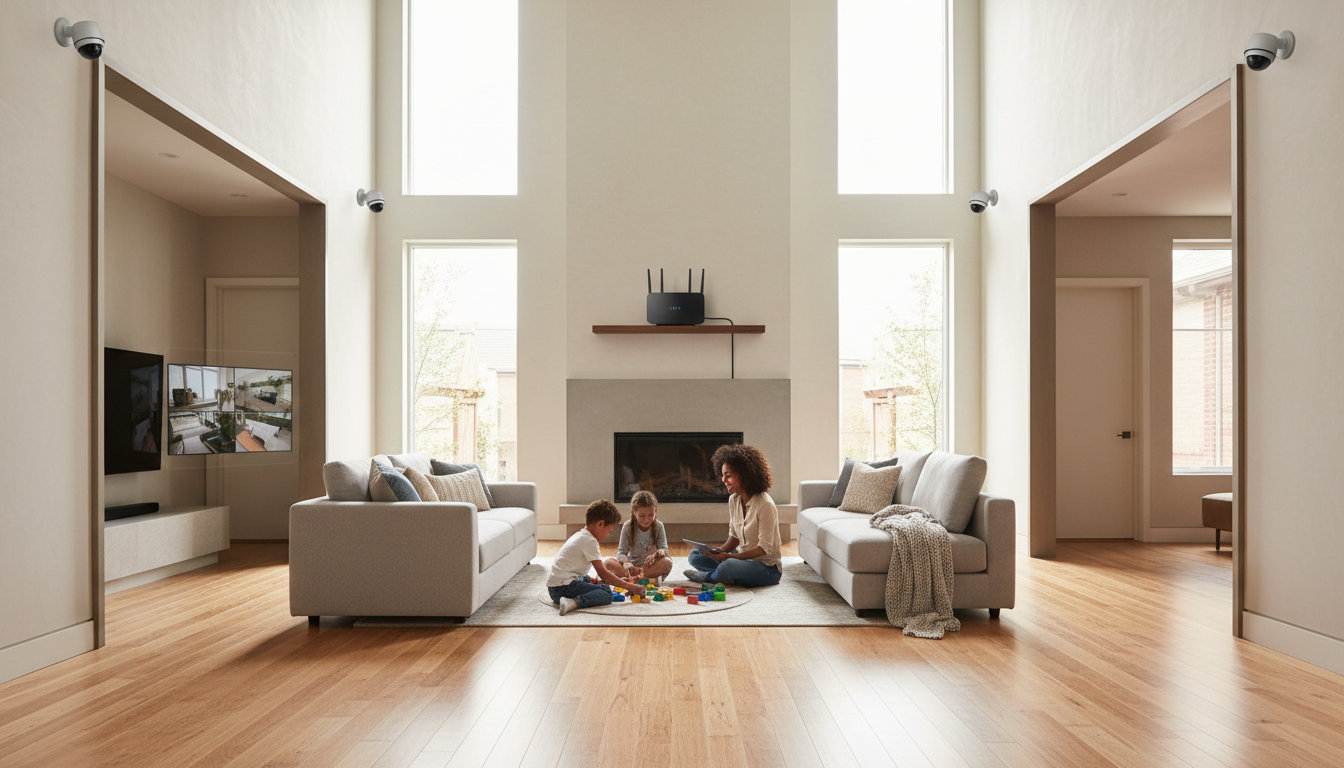
Position Your Router Strategically
The placement of your router can greatly impact your network's performance. Ideally, place your router in a central location in your home. Avoid placing it near thick walls or metal objects that can interfere with the signal. Elevate your router by placing it on a shelf or mounting it on a wall to maximize coverage.
Secure Your Network
Security is a vital aspect of network optimization. Ensure your Wi-Fi network is password-protected using WPA3 encryption if available. Regularly update your router's firmware to protect against vulnerabilities. Consider changing the default login credentials of your router to enhance security.

Upgrade Your Equipment
If you’re experiencing slow connections, it might be time to upgrade your equipment. Modern routers offer better speed and range than older models. Look for routers that support the latest Wi-Fi standards like Wi-Fi 6 for improved performance. Additionally, consider using mesh networks for large homes to ensure consistent coverage.
Reduce Interference
Many household devices operate on the same frequency as your Wi-Fi network, causing interference. To reduce this, switch your router to a less crowded channel. You can also use dual-band or tri-band routers to separate devices and alleviate congestion.
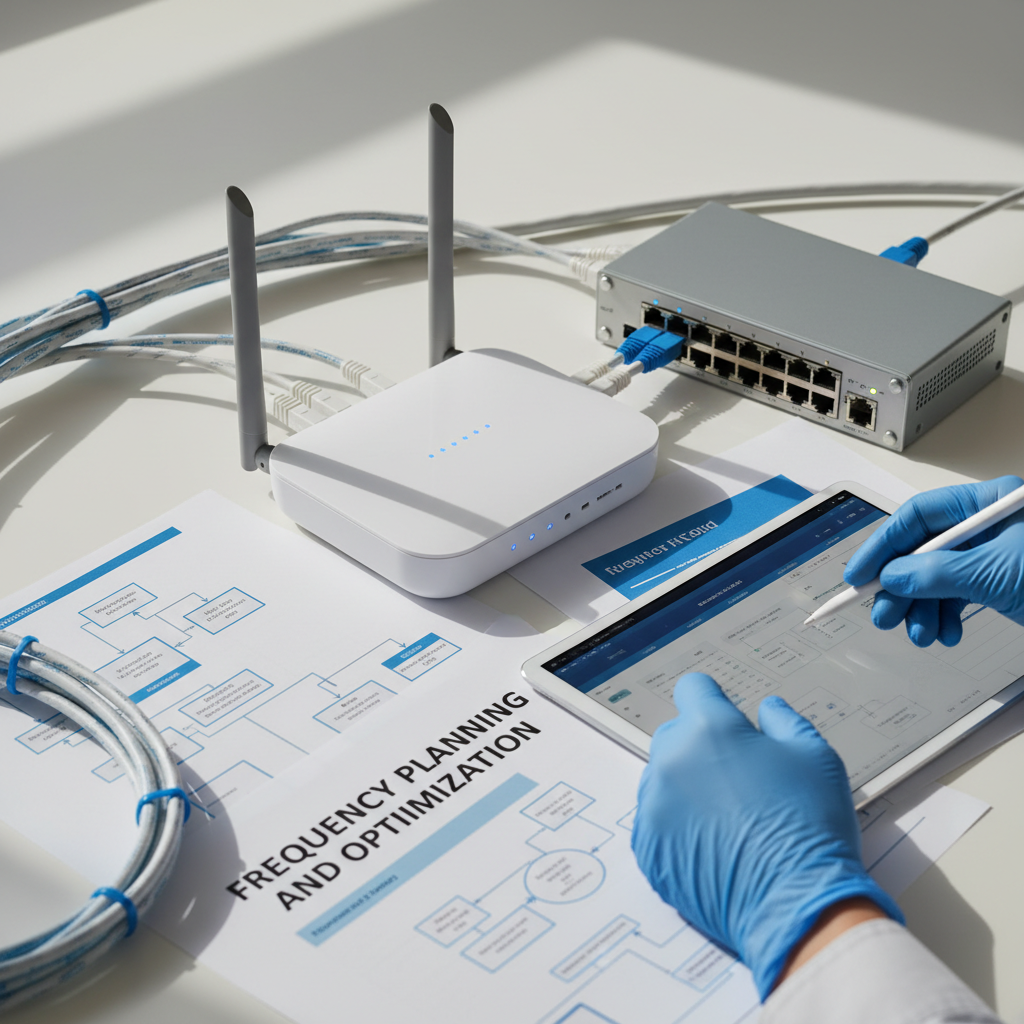
Optimize Your Device Connections
Not all devices require the same level of connectivity. Prioritize bandwidth-heavy devices like smart TVs or gaming consoles by connecting them directly via Ethernet cables. This reduces the load on your Wi-Fi and ensures faster speeds for these devices.
Regularly Monitor and Manage
Use network management apps to monitor your network's performance. These tools can help you identify any connectivity issues and manage the devices connected to your network. Regular monitoring ensures your network remains optimized and secure.

By following these steps, you can optimize your home network for better connectivity. A well-maintained network not only enhances your online activities but also provides a seamless and secure experience for all users in your household.